
How to Download Movies Legally to Watch Offline in India
You can download movies legally with the download button inside licensed apps such as Netflix, Prime Video, JioHotstar and ZEE5. Netflix allows up to 100 active downloads per device on its ad-free plans. Downloaded films stay inside the app and play offline until the licence period ends.
- Facts checked against official sources
- Updated October 2026
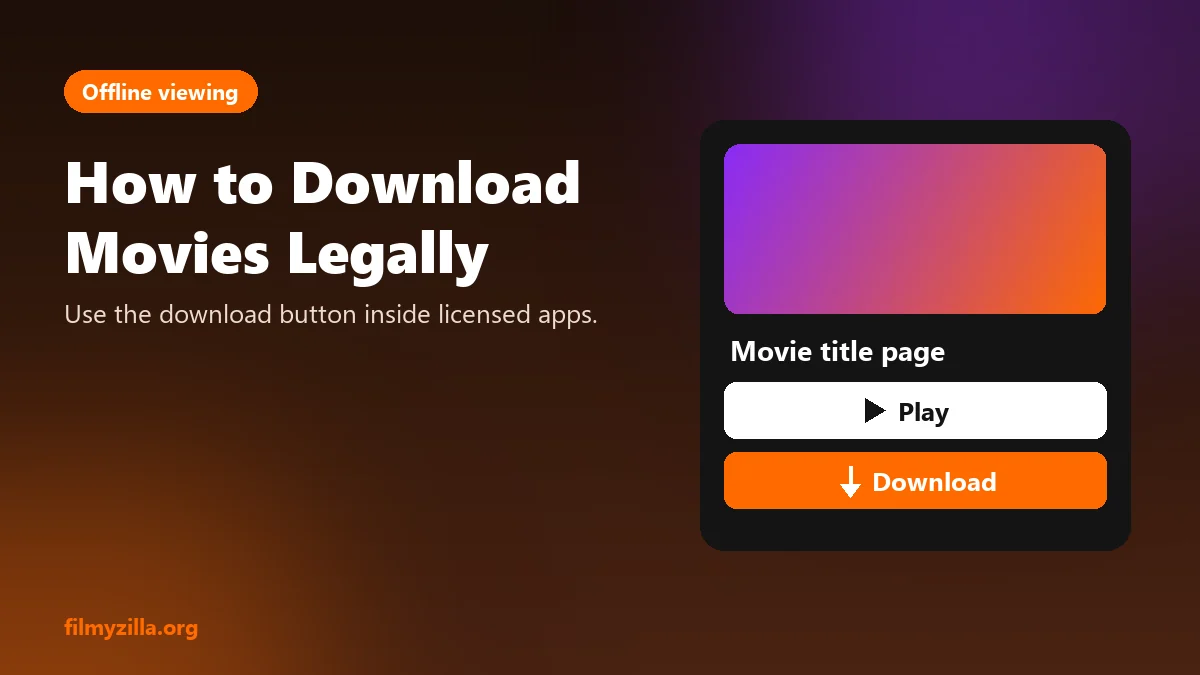
The graphic above shows where the download button sits on a streaming app's title page.
Table of Contents
- Apps That Let You Download Movies Legally
- How to Download a Movie on Netflix
- How to Download a Movie on Prime Video
- Why Downloaded Movies Expire
- Are Telegram Movie Download Links Legal?
- Is Downloading From Hdhub4u, Khatrimaza or Vegamovies Legal?
- Frequently Asked Questions About Downloading Movies
- Final Thoughts
Please read our Privacy and Risk Policy before using this site.
Many people search for "movie download" on sites like Hdhub4u, Filmyfly or Telegram channels, without knowing that the official apps already let you save films for offline viewing. This guide lists the apps with a legal download feature, shows the steps for Netflix and Prime Video, explains why downloads expire, and covers the risks of piracy downloads.
Apps That Let You Download Movies Legally
5 widely used apps in India let you download movies legally for offline viewing. The table below lists each app and what its download feature needs.
| App | Download feature | What you need |
|---|---|---|
| Netflix | Download button on the title page | Phone or tablet app and an active plan |
| Amazon Prime Video | Download button on the title page | Prime membership, or a rented or bought title |
| JioHotstar | Download icon on the title page | Active subscription for premium titles |
| ZEE5 | Download icon on the title page | Active subscription for premium titles |
| YouTube | Download button under the video | Bought or rented movies, or YouTube Premium for other videos |
Not every title can be downloaded. The studio that licenses a film decides whether a platform may offer it offline.
How to Download a Movie on Netflix
To download a movie on Netflix, follow the 4 steps below.
- Open the Netflix app on a phone or tablet.
- Search for the movie and open its title page.
- Tap Download under the play button. The film appears in the Downloads section.
- Play it from Downloads when you are offline.
Netflix Download Limits
Netflix allows up to 100 active downloads at a time per device on ad-free plans, according to the Netflix Help Center. Ad-supported plans have a lower monthly limit. Some titles can only be downloaded a set number of times per year.
How to Download a Movie on Prime Video
To download a movie on Prime Video, follow the 4 steps below.
- Open the Prime Video app and sign in.
- Open the movie's title page.
- Tap Download and choose the video quality. Higher quality takes more storage.
- Find the film under Downloads in the app's menu.
Movies you rent can usually be downloaded too, but the rental period still applies.
Why Downloaded Movies Expire
Downloaded movies expire because the studio's licence sets how long a platform may let you keep a title offline. The app checks the licence when you reconnect to the internet. A film also disappears from your downloads when the platform's licence for it ends, or when you cancel your plan.
Before a flight or a long journey, open the app online the day before and check that each download still plays.
Are Telegram Movie Download Links Legal?
No. Telegram channels that share full movies, such as the links people search for with "Pushpa movie download in Hindi Telegram link", are distributing films without permission. Sharing or downloading those files is copyright infringement in India under Section 63 of the Copyright Act, 1957. The files can also carry malware disguised as video.
Is Downloading From Hdhub4u, Khatrimaza or Vegamovies Legal?
No. Downloading movies from Hdhub4u, Khatrimaza, Vegamovies, Filmyfly, Kuttymovies or Tamilyogi is illegal, because these sites hold no licence for the films they offer. The same sites are known for fake download buttons and malware. Our guide to Filmyzilla and piracy law explains the penalties in India.
Frequently Asked Questions About Downloading Movies
Can I download movies from Netflix?
Yes. Netflix lets you download many films and shows on its phone and tablet apps, with up to 100 active downloads per device on ad-free plans.
Can I download movies on Prime Video?
Yes. Prime Video lets you download included titles and rented or bought films for offline viewing.
Why did my downloaded movie disappear?
A download disappears when its licence period ends, when the platform's licence for the film ends, or when your subscription ends.
Is downloading movies from Telegram legal?
No. Telegram channels that share full movies do so without permission, and downloading those files is copyright infringement.
Which app is best for downloading movies?
Netflix and Prime Video have the most reliable download features. Choose the one that carries the films you watch.
Final Thoughts
You can download movies legally inside Netflix, Prime Video, JioHotstar, ZEE5 and YouTube, and watch them offline without any risk. Downloads stay inside the app and expire when the licence ends, which is how platforms keep them legal.
Piracy downloads from Telegram, Hdhub4u or Vegamovies are illegal and can carry malware. To compare apps, see the legal Filmyzilla alternatives, and to plan storage, see how much data each video quality uses.
Published 22 October 2026. Last updated 22 October 2026.